Gone are the days when only programmers such as Mark Zuckerberg and Bill Gates could master coding and programming languages. According to website where you can find pre written papers, today, the existence of online programming websites and guides provides many people with the same opportunity to learn and understand coding online. Today people do not have to spend large amount of money on expensive training classes in order to learn programming related activities such as web development and web design. This article will examine some of the best interactive websites for individuals to lean coding online.
1. Codecademy
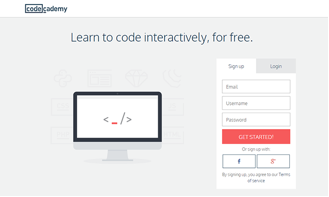
Codecademy is one of the most prominent websites when it comes to interactive teaching. Codecademy has well-structured courses as well as user-friendly interface that enable users to adapt easily with the sessions provided in the website. Codecademy offer wide variety of coding services including Web Fundamentals, JavaScript, PHP, jQuery, Ruby, Python, and APIs. Upon visiting their main page, you will notice motivating on-screen console that enables you start tasting their programming courses right away.
Continue reading Five (5) Best Interactive Coding Learning Websites »

 By default Win 8 come with few favorites links in the Window File Explorer but i don’t use most of them. And i prefer to create my own favorite links so i can access all my working files and folder faster and easier. If you have friends or family members that is not so IT savvy, this favorites links is very useful for them.
  If you are using Virtue Theme together with Woocommerce, then probably you will ask how to enable slider in shop page. Actually the free version does not built in the slider in the shop page. If you want easy control then i would suggest you buy the Virtue theme premium version, it give you what you want. If you would want to try your luck with some code editing, then you can follow the instruction below.