 If you accidentally enable your Chrome to access your microphone or camera, you can always disable the access. It’s also good security practice to disable the microphone or camera access from you Chrome once you finish using it. Yes i know it’s very troublesome, but it’s for your own good. I bet you would not want to see your own video or some sound clip posted on the internet because you forget to disable the access to microphone or camera in Chrome.
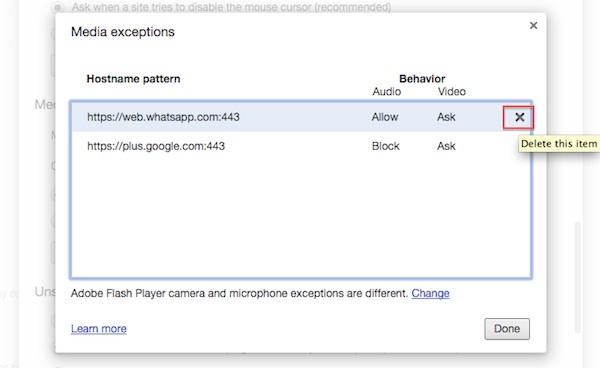
To disable access to microphone or camera in Chrome, follow the steps below:-
Continue reading How to disable access to Microphone or Camera in Chrome »
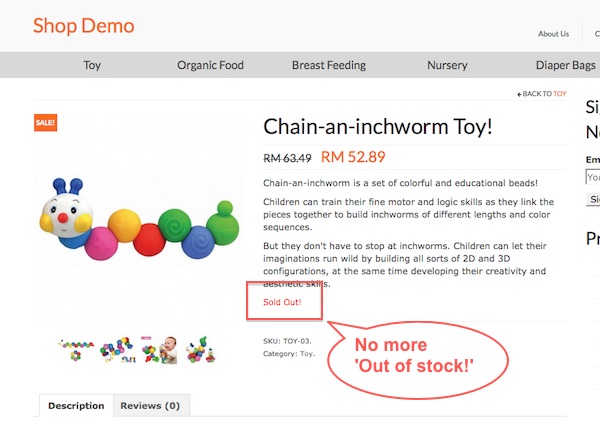
 If you are using Woocommere to sell service or anything that is not physical then you might want to change the ‘Out of Stock’ text to ‘Sold out’ or some other more meaningful words. Before i do the changes, i thought changing the ‘out of stock’ text is just a easy peasy work but end up cannot find the template. Then i only realise it might be control by a hook. After going thru the woocommerce hook documentation, and i found the answer there!