Here’s an updated version of How to create email account in CPanel hosting. This tutorial will be based on the latest version of CPanel 11. Hope this help those who is using CPanel hosting.
To create email account in CPanel 11, follow the steps below:-
Advertisements
- Login into your CPanel, and click on “Email Accounts”
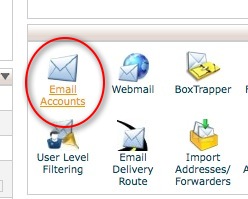
Old interface
or
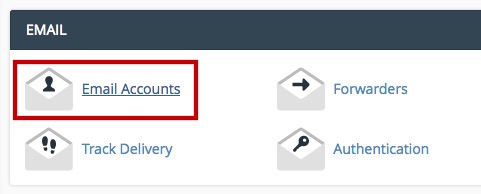
New interface
- Fill up all the field in the form (Email, Password, Password (again) and mailbox quota) and click on button “Create Account”
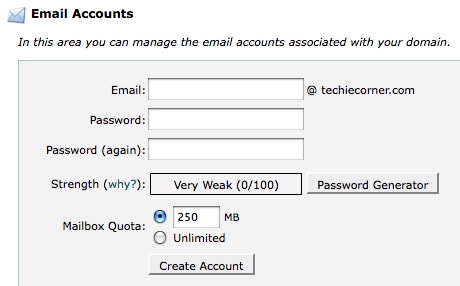
Old interface
or
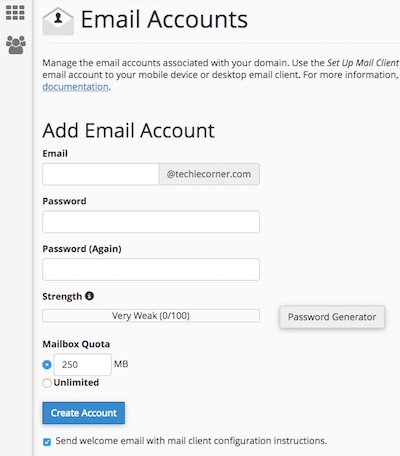
New interface
- Done, your email account should be successfully created
Share this with your friends:-