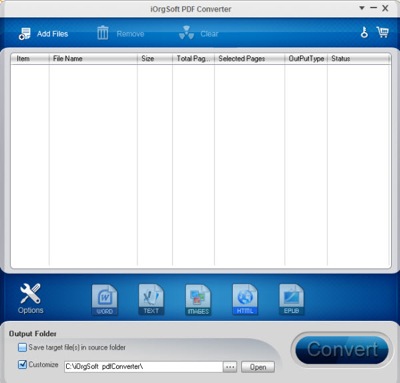
Just found out you don’t need to type Table of Contents in LibreOffice word by word. With just few click, a complete Table of Content will be created easily. I only found out this few hours ago when i’m preparing a documentation using LibreOffice. As i seldom use word processing software, this tricks really save me a lot of time 🙂
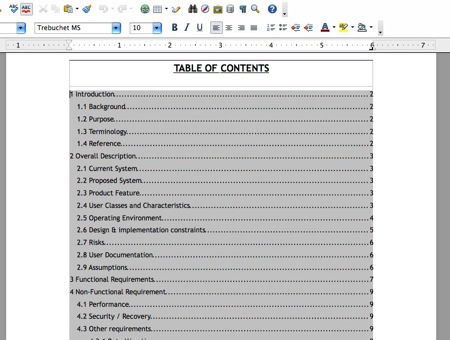
To create Table of Contents in LibreOffice, follow the steps below:-
Continue reading How to create Table of Contents in LibreOffice »
 I’ve a friend using Ms Excel 2007 looking for way to change his default mail client from Outlook to Thunderbird. This is because he is using the File -> Send -> Email function and every time he click on Email, outlook will be prompt out. He would like to have the document to be sent thru Thunderbird.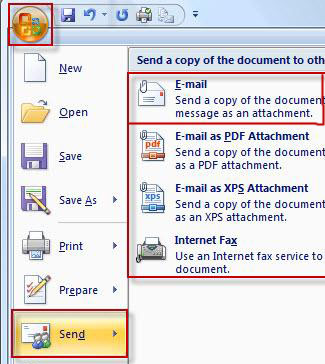
 If you are looking for a good PDF to word converter, find no where. iOrgsoft is giving away 5 free license key for their PDF to Word Converter (Window version) that cost $59.95! It’s simple for you to win the free License key, just leave us a comment and tell us what info you would like to read in techiecorner.com. Then we will have a lucky draw by 16 Oct 2011 and winner will be notified by email. (make sure you leave your email together with your comment).