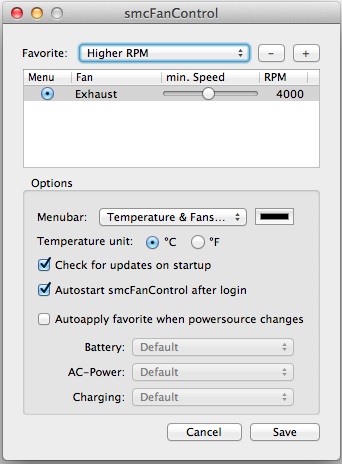
 Sometimes i’m sure you might think if you can adjust your Mac fan speed so that your Mac can run more cooler! The answer is yes, you can adjust your Mac (Intel) fan speed! smcFanControl is a Mac fan control application that allow you to preset several fan speed profile to meet different situation.
I’m using this fan control app for quite some time, whenever my Mac temperature increase, i’ll increase my fan speed to a higher RPM. Normally i can see a drop in temperature wthin 5 minutes. Unless i’ve few movie application running at the same time, else my Mac can be cool down within 10 min.
Continue reading Adjust your Mac fan speed with smcFanControl »
 Just installed Cynogenmod 7 to my old HTC Desire phone, and I can start feeling the speed! Since it’s first time using Cynogenmod i’m trying to play around with all the settings. However i find there is some problem with the vibration especially when SMS is received. I’m sure i’ve enable all the vibrate settings but it still doesn’t vibrate while SMS is received. Luckily i manage to find this settings from one of the forum and here i share the solution.
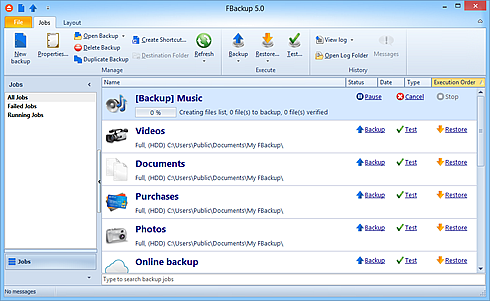
 A good backup software is a must in order to automate your backup process. Of course if the backup software is free, it’s even better. Some of you might think that free software doesn’t come good. But hey! there is always an exception! This free backup software is good enough for all the window user and it’s free for personal and commercial use!