
 Symfony2 allow you to create your own console command thru Console Component. Since the bundle i’m writing is only for my own use, i’m trying to write a console command to load all my data to database. But to get the Doctrine entity manager to work in console command you need to do some modification from the tutorial link above. No worry i promise it’s a easy task, just edit one of the namespace will do.
To get Doctrine Manager in Console Command (Symfony2), follow the steps below:-
Continue reading Symfony2: How to get Doctrine Entity Manager in Console command »
 Recently i just installed Window 8.1 at one of my old desktop. When i’m trying to connect my desktop using remote desktop connection thru my Mac, it shows a funny error “Remote Desktop Connection cannot verify the identity of the computer that you want to connect to.”.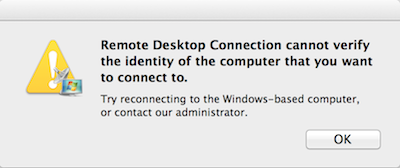
 One of my friend ask me how can he disable iTunes auto start when his iPhone is connected. I’ve this problem some time ago and i forget to share this tips. By default iTunes will auto start whenever it detected any compatible devices (iPhone, iPad, iPod or etc) that is connected. To prevent this happen again you can disable it at the iTunes preferences.